NiPoGi Pinova P1 showdown: 512GB value beats pricier 256GB
These two NiPoGi Pinova P1 mini PCs look almost identical on paper: both use the AMD Ryzen 4300U, both ship with 16GB RAM, Windows 11 Pro, and triple 4K display support. That makes the real decision much simpler than many shoppers expect, because the key differences are storage, price, and value. If you want a compact Windows mini PC for home office, media playback, light productivity, or a small always-on server, this comparison shows which one makes more sense. The surprising part is that the cheaper model is also the better-equipped one.
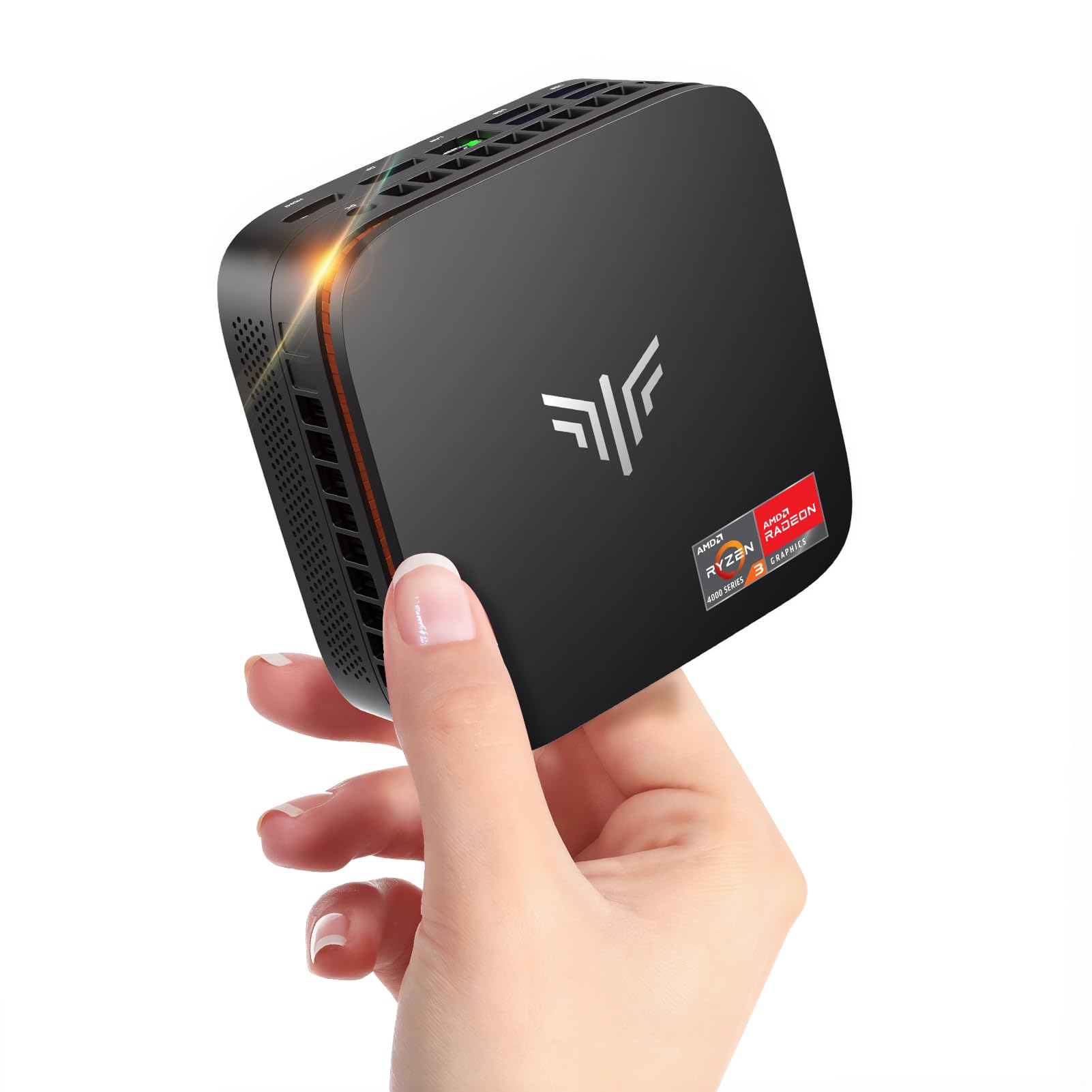
NiPoGi Pinova P1 Mini PC Windows 11 Pro,Mini PC AMD Ryzen 4300U(Up to 3.7 GHz,Βeats N150/N97),16GB RAM 512GB M.2 SSD Mini Computer,Triple 4K@60Hz Display/USB 3.2/Type-C/HDMI/WiFi/BT for Life
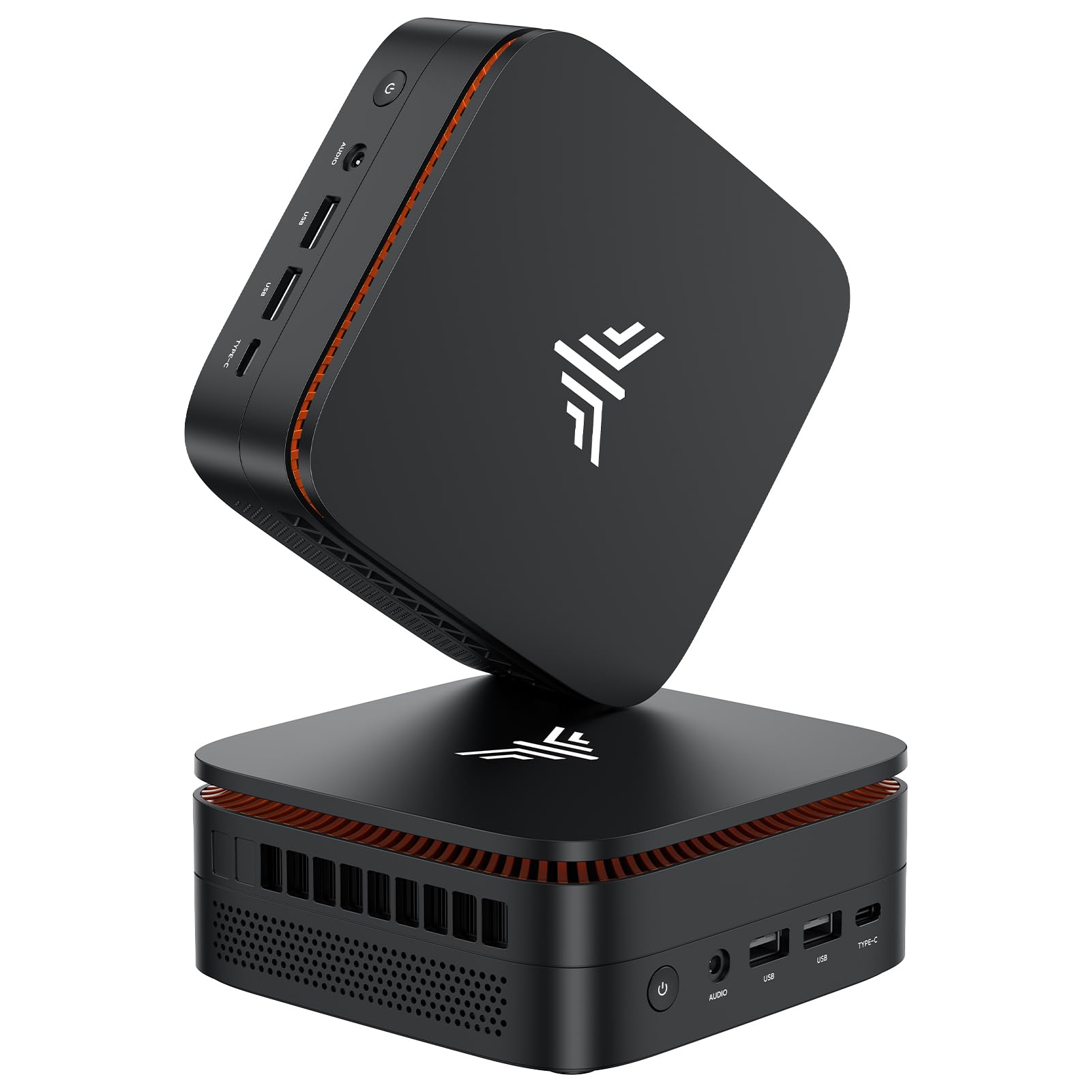
NiPoGi Pinova P1 Mini PC, AMD Ryzen 4300U(Βeats 3300U/N150/N97,Up to 3.7 GHz) Mini Computer, 16GBRAM 256GB SSD Mini PC Windows 11 Pro, Triple 4K Display/USB 3.2/Type-C/HDMI/WiFi/BT for Home Office
Our Recommendation
Product A is the definitive recommendation because it delivers the same Ryzen 4300U performance and 16GB RAM as Product B, but with a 512GB SSD instead of 256GB and a lower price. That is a better combination for everyday use, storage-heavy workloads, and long-term value. In a mini PC, storage matters a lot, and paying more for less capacity makes Product B hard to justify.
Detailed Comparison
Display
Both models are effectively tied here. Each supports Triple 4K output at 60Hz via USB 3.2, Type-C, and HDMI, so for multi-monitor productivity, spreadsheets, coding, or a home office desk setup, either machine gives you the same external display flexibility. There is no difference in onboard screen quality because these are mini PCs without a built-in panel; your experience will depend on the monitors you connect. Winner: tie, because the display capabilities are the same on both.
Performance
Again, this is a tie on core compute hardware. Both use the AMD Ryzen 4300U, a 4-core/4-thread mobile chip that can boost up to 3.7 GHz, paired with 16GB RAM. In practical terms, both will handle web browsing, Microsoft Office, video calls, streaming, and light multitasking comfortably, and both are well ahead of entry-level Intel N150/N97 systems in raw responsiveness. Neither is a gaming powerhouse, but both can manage older titles, indie games, emulation, and cloud gaming better than budget Atom-class boxes. Because the CPU and memory are the same, there is no real performance winner on paper. Winner: tie.
Build quality and design
The product listings do not show a meaningful hardware distinction in chassis, cooling, or ports, so this is mostly a tie as well. In this class of mini PC, the main factors affecting perceived build quality are usually thermal design, fan noise, and port layout, but neither listing gives a spec advantage to one model. The identical naming, platform, and feature set strongly suggest the same underlying design. If one unit ships with a better SSD or slightly different internal revision, that would be a batch-level difference rather than a model-level advantage. Winner: tie.
Battery life
Neither product has a battery, so this category does not apply in the usual laptop sense. For users searching from a portable-computing angle, the correct takeaway is that both require mains power and are intended for desk or media-cabinet use. If you want battery-backed operation, you would need a UPS, not a different mini PC. Winner: tie, because neither has a battery.
Price and value for money
This is where Product A wins decisively. Product A costs £269.99 and includes 16GB RAM plus a 512GB M.2 SSD, while Product B costs £309.99 and only includes a 256GB SSD. That means Product A is £40 cheaper while also doubling storage capacity, which is a very strong value advantage. For most buyers, 256GB fills up quickly once Windows updates, apps, media caches, and a few large files are installed; 512GB is much more comfortable for everyday use and gives more room for Docker images, game installs, local media, or office documents. On pure value, Product A is the clear winner.
Game library/features
Neither model is a dedicated gaming mini PC, so the game library question is really about what they can realistically run rather than any special gaming feature. Both benefit from the Ryzen 4300U’s stronger integrated graphics compared with very low-end chips like N150/N97, so both can handle lighter games, emulators, and streaming services. However, Product A’s larger 512GB SSD gives it an advantage for modern game installs, which are often 50GB to 150GB each, and for storing launchers, mods, and cached assets without constantly deleting content. Since the hardware performance is otherwise the same, Product A wins this category on storage practicality rather than raw frame rates.
Overall user experience
For day-to-day use, both should feel similar in speed, boot time, and responsiveness because the CPU and RAM are matched. The difference is in headroom: Product A gives you twice the storage for less money, which usually translates into a smoother ownership experience over time. You are less likely to run out of space, less likely to rely on external drives, and less likely to feel constrained after installing a handful of apps. That matters a lot in a mini PC, where upgrading storage later may be possible but is still a hassle compared with buying enough capacity up front. Winner: Product A, because it offers the more forgiving and future-proof setup.
Overall summary: these are the same mini PC platform, but Product A is the better buy by a wide margin. It matches Product B on CPU, RAM, Windows 11 Pro, and triple 4K display support, yet costs £40 less and doubles the SSD capacity from 256GB to 512GB. Unless Product B has a hidden bundle advantage not shown in the listing, Product A is the smarter choice for almost every buyer.
Buy the NiPoGi Pinova P1 if...
Buy Product A if you want the best value for a home office, media PC, or light NAS/Docker setup and you do not want to run out of storage quickly. It is also the better pick if you plan to keep photos, downloads, game installs, or local files on the machine. The lower price and larger SSD make it the more sensible all-rounder.
Buy the NiPoGi Pinova P1 if...
Buy Product B only if the seller is offering some unlisted bonus such as faster delivery, a better warranty bundle, or a return policy you specifically prefer. It may also make sense if you strongly prefer that exact listing for stock reasons, but not on specs or price. Based on the information provided, it is otherwise the weaker value.
Curated by Home Server Hub on All The Top Picks
As an Amazon Associate we earn from qualifying purchases.