Cheap and capable or faster and future-proof: which mini PC wins?
If you are choosing between these two mini PCs, you are really choosing between value and performance. The NiPoGi Pinova P1 is a budget-friendly Ryzen 4300U machine that looks attractive for office work, media playback, and light home server duties. The GEEKOM A6 costs significantly more, but it brings a much stronger Ryzen 7 6800H platform, faster DDR5 memory, a larger SSD, and better expansion for demanding users.
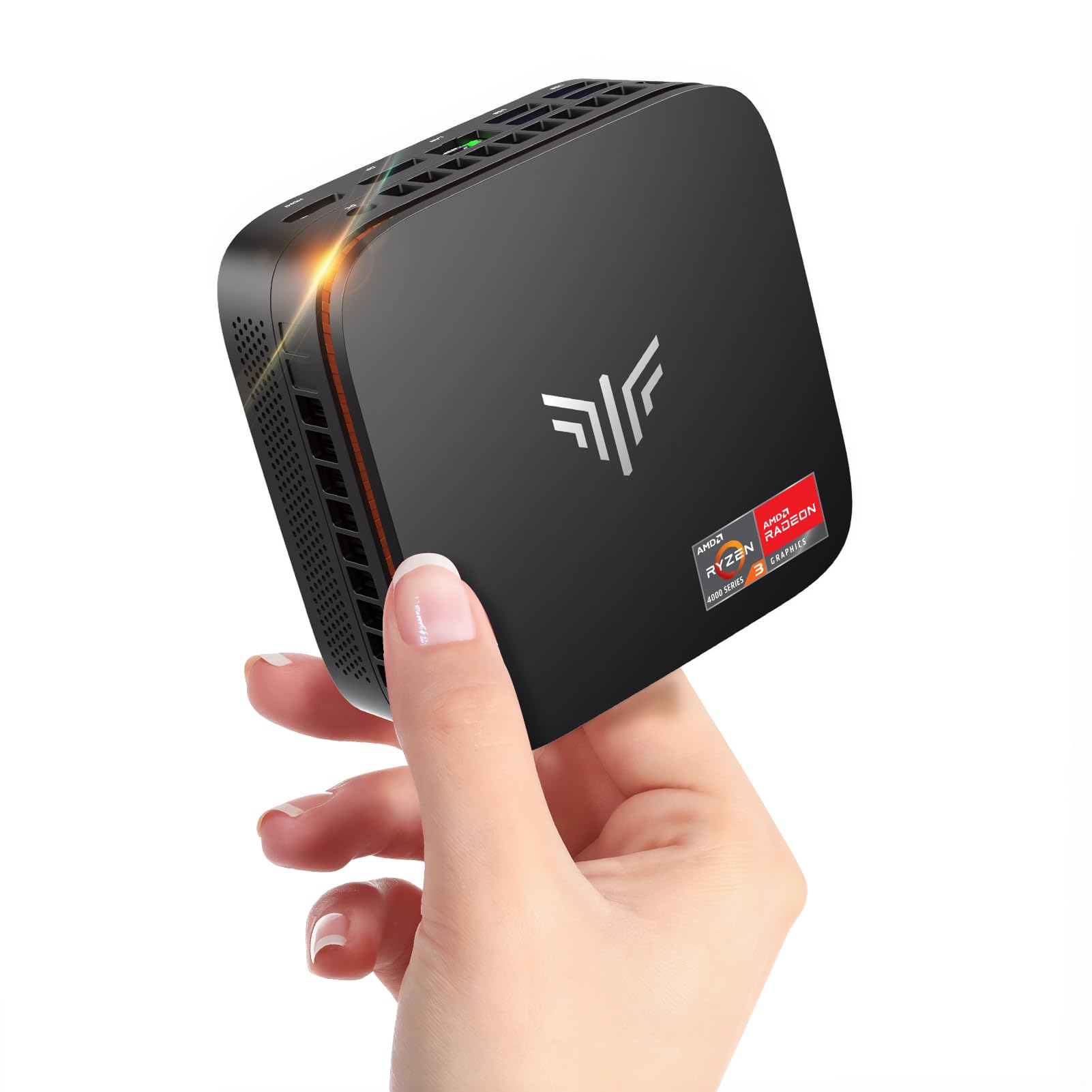
NiPoGi Pinova P1 Mini PC Windows 11 Pro,Mini PC AMD Ryzen 4300U(Up to 3.7 GHz,Βeats N150/N97),16GB RAM 512GB M.2 SSD Mini Computer,Triple 4K@60Hz Display/USB 3.2/Type-C/HDMI/WiFi/BT for Life
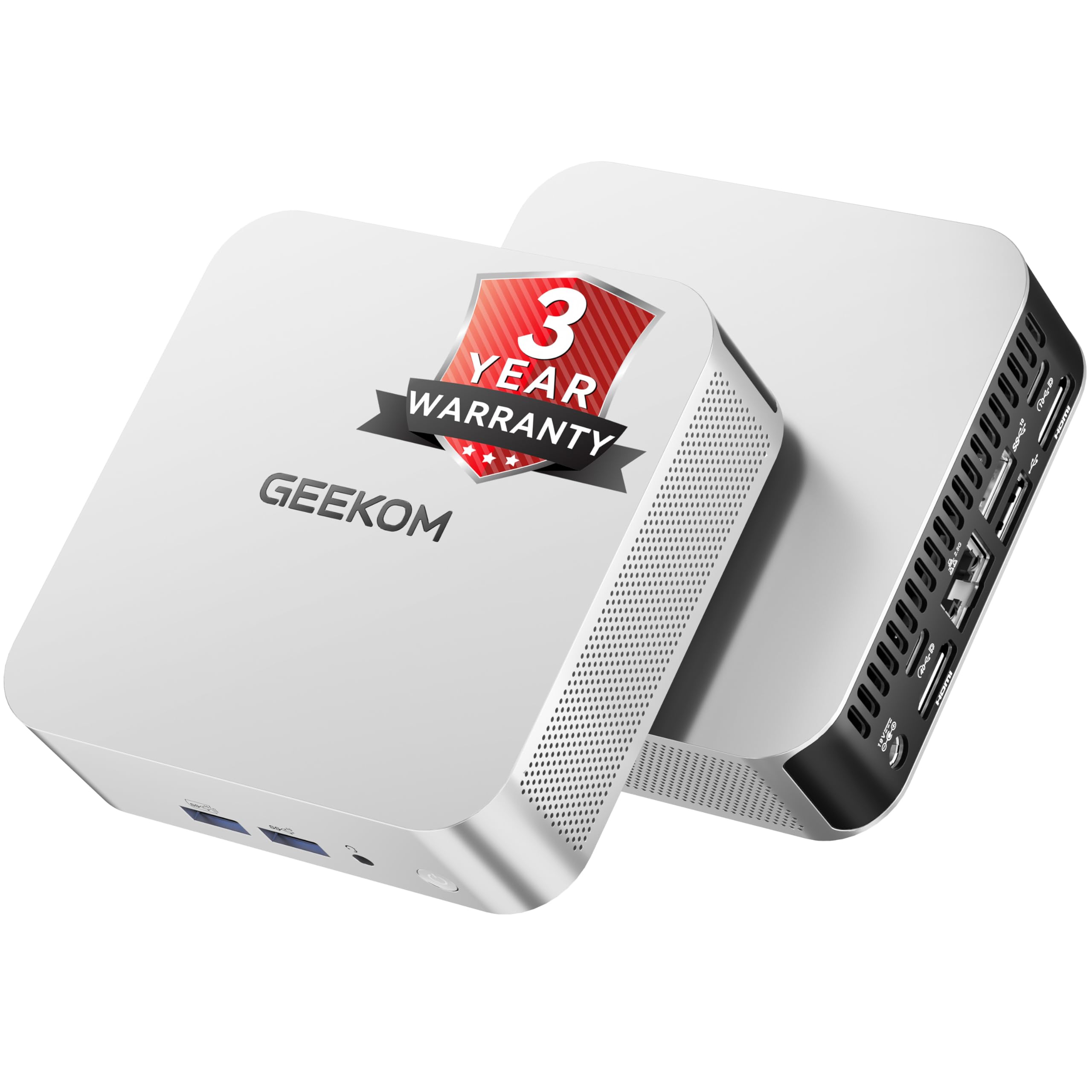
GEEKOM A6 Mini PC Windows 11 Pro, with AMD Ryzen 7 6800H (Beats 7640HS), 16GB High Speed DDR5 RAM (Up to 96GB) & 1TB SSD, Dual USB4.0 & Dual HDMI Quad Display for Video Editing/Gaming/Graphic Design
Our Recommendation
The GEEKOM A6 is the better buy because it offers a far stronger Ryzen 7 6800H, DDR5 RAM, a 1TB SSD, and much better display and expansion connectivity. It will feel faster in everyday use and has far more headroom for gaming, editing, and multitasking. The NiPoGi Pinova P1 is cheaper, but its Ryzen 4300U is much more limited and will age faster. If you want the mini PC you are least likely to outgrow, buy the GEEKOM A6.
Detailed Comparison
Display
Both machines can drive multiple 4K displays, but the GEEKOM A6 is the stronger option for serious multi-monitor use. Product A supports triple 4K@60Hz output via USB 3.2/Type-C/HDMI, which is perfectly fine for a home office, Plex dashboard, or browsing setup. Product B goes further with dual USB4.0 and dual HDMI plus quad-display support, which is more flexible for creators, traders, and anyone who wants more high-bandwidth display connectivity. Winner: GEEKOM A6, because its USB4 ports and quad-display support offer more future-proof display capability.
Performance
This is the biggest difference in the comparison. The NiPoGi Pinova P1 uses an AMD Ryzen 4300U, a 4-core/4-thread chip that is adequate for everyday tasks, light Docker use, basic NAS management, and media streaming, but it is now an entry-level CPU by modern standards. The GEEKOM A6 uses an AMD Ryzen 7 6800H, an 8-core/16-thread processor with a much stronger integrated Radeon 680M GPU, faster DDR5 memory, and a far higher ceiling for multitasking, video editing, light gaming, and running several services at once. If you are planning Plex transcoding, multiple containers, photo work, or general longevity, the A6 is in a different class. Winner: GEEKOM A6 by a wide margin.
Build quality and design
NiPoGi typically targets affordability first, and the Pinova P1’s appeal is its compact, no-frills design. It should be fine as a discreet desktop box, but the lower price usually means fewer premium touches in cooling, materials, and I/O richness. GEEKOM has a stronger reputation for more polished mini PCs, and the A6’s spec sheet reflects that with better connectivity, more RAM headroom, and a 1TB SSD out of the box. For a machine you will keep on a desk, under a monitor, or running 24/7, the A6 feels like the more robust purchase. Winner: GEEKOM A6.
Battery life
Neither product is a laptop, so battery life is not applicable. In practical terms, this category is a wash because both are mains-powered mini PCs. If you are thinking about power efficiency for always-on use, the Ryzen 4300U in Product A will usually draw less power than the 6800H in Product B, so the NiPoGi may be cheaper to run at idle or under light loads. However, the A6 does more work per unit of time, so its higher power draw is often justified by its performance. Winner: NiPoGi Pinova P1 for efficiency, but only if low power matters more than speed.
Price and value for money
Product A is £269.99, while Product B is £492.15, a difference of £222.16. On pure upfront cost, the NiPoGi is the clear winner and is the better buy if your needs are modest. But value is not just about the lowest price; it is about what you get for the money. The GEEKOM A6 includes a much faster CPU, DDR5 RAM, 1TB SSD, and stronger expansion options, which makes the higher price easier to justify for power users. If you only need a compact Windows box for email, Office, streaming, and light admin, the NiPoGi is excellent value. If you want a mini PC that can comfortably handle heavier workloads for years, the GEEKOM is better value despite the higher cost. Winner: depends on use case, but for most demanding buyers, GEEKOM A6.
Game library/features
Mini PCs are not gaming desktops, but the integrated graphics story matters. The Ryzen 4300U in Product A can handle older or lighter titles, cloud gaming, emulation, and indie games, but it is not a serious gaming platform. The Ryzen 7 6800H in Product B has the far superior Radeon 680M iGPU, which is one of the best integrated graphics solutions of its generation and can run many esports and older AAA games at sensible settings. The A6 also has more headroom for game launchers, mods, and multitasking while gaming. Winner: GEEKOM A6, decisively.
Overall user experience
For casual users, the NiPoGi Pinova P1 is easy to recommend because it is cheap, compact, and capable enough for everyday Windows 11 Pro use. It is the sort of mini PC that works well for a secondary PC, a living-room media box, or a light home lab node. The GEEKOM A6, though, is the more complete and satisfying machine: faster responsiveness, better multitasking, stronger graphics, more memory and storage out of the box, and more premium connectivity. If you are buying once and want to avoid outgrowing the machine quickly, the GEEKOM is the better long-term experience.
Overall summary: the NiPoGi Pinova P1 wins on price and efficiency, but the GEEKOM A6 wins on almost everything else that matters for performance, expansion, and longevity. For basic use, the NiPoGi is the sensible budget pick. For anyone who wants a mini PC that can genuinely stretch into content creation, heavier multitasking, and light gaming, the GEEKOM A6 is the definitive choice.
Buy the NiPoGi Pinova P1 if...
Buy the NiPoGi Pinova P1 if your budget is tight and you mainly need a small Windows 11 Pro PC for browsing, email, Office, streaming, or light home lab tasks. It is also the better choice if low power use matters more than raw speed, such as for an always-on basic media box or admin machine.
Buy the GEEKOM A6 Mini if...
Buy the GEEKOM A6 if you want noticeably better performance for video editing, gaming, heavier multitasking, or running several apps and services at once. It is also the better choice if you want more future-proof connectivity, more storage out of the box, and a machine you can keep for longer without feeling constrained.
Curated by Home Server Hub on All The Top Picks
As an Amazon Associate we earn from qualifying purchases.