Budget vs premium Mini PC: NiPoGi Pinova P1 or GEEKOM A5 Pro?
If you’re choosing between these two Windows 11 Pro mini PCs, you’re really deciding between value and headroom. The NiPoGi Pinova P1 targets buyers who want a cheap, capable everyday box for office work, streaming, and light multitasking, while the GEEKOM A5 Pro aims higher with a much newer Ryzen 5 chip and a more polished spec sheet. For home lab users, Plex admins, and anyone who wants a small desktop that won’t feel cramped in a couple of years, the differences matter. Here’s the straight answer on which one is worth your money.
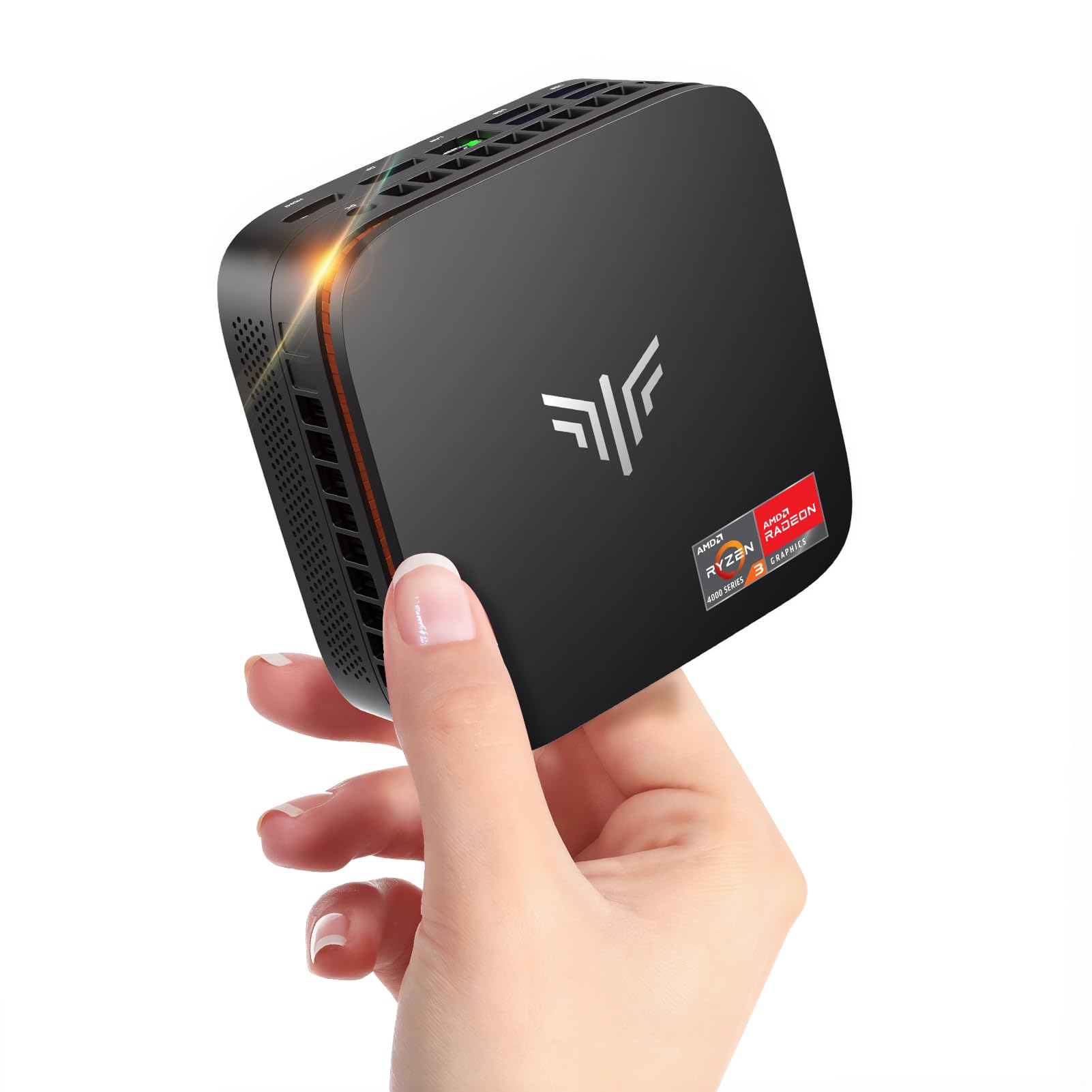
NiPoGi Pinova P1 Mini PC Windows 11 Pro,Mini PC AMD Ryzen 4300U(Up to 3.7 GHz,Βeats N150/N97),16GB RAM 512GB M.2 SSD Mini Computer,Triple 4K@60Hz Display/USB 3.2/Type-C/HDMI/WiFi/BT for Life
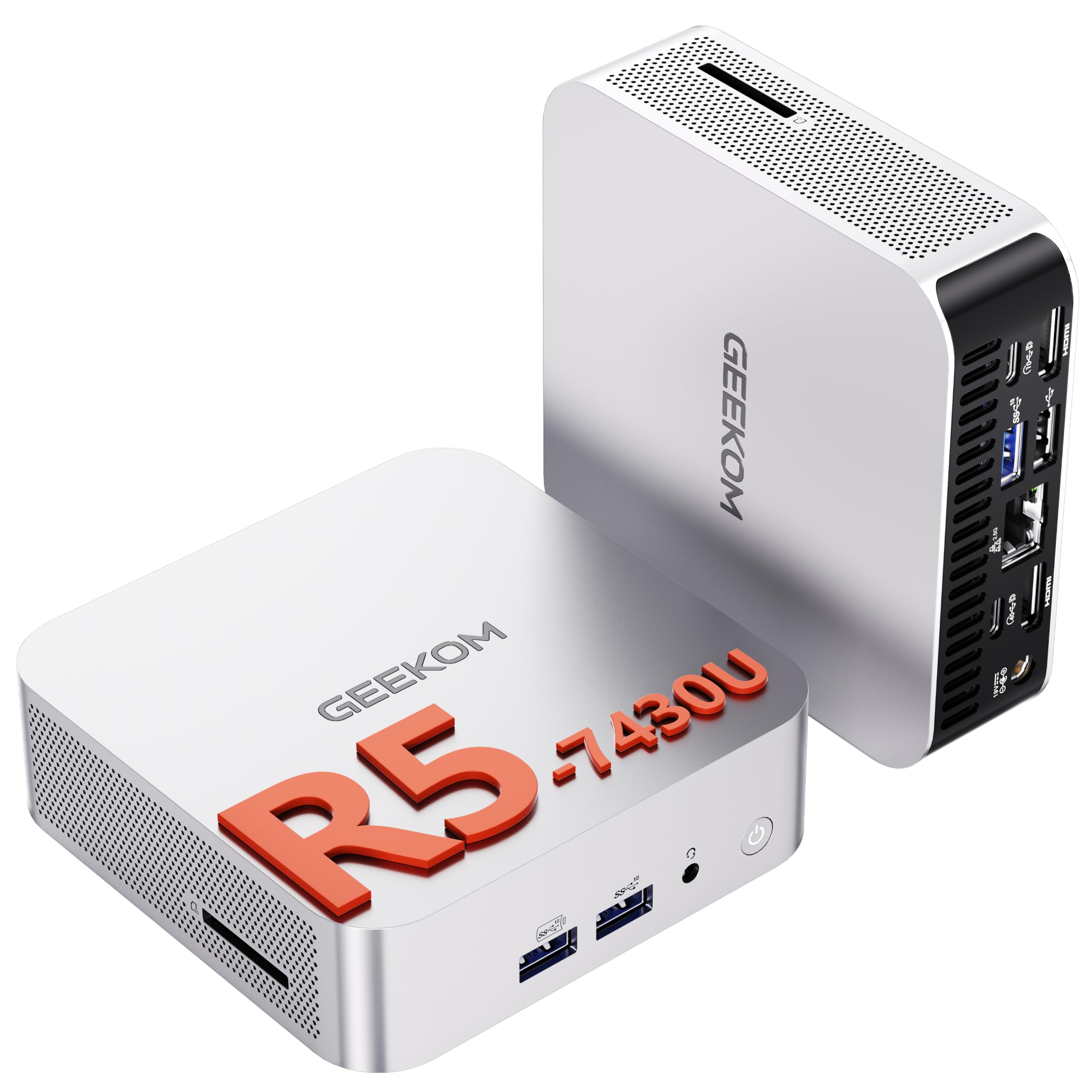
GEEKOM [2026 The Best Mini PC A5 PRO Mini PC Windows 11 Pro,with AMD Ryzen 5 7430U(Up to 4.4GHz) 16GB RAM & 512GB(Upgradable) SSD,Dual HDMI Quad Display/WIFI 6/6×USB for Video Editing/Graphic Design
Our Recommendation
The GEEKOM A5 Pro is the better buy because its Ryzen 5 7430U is a much stronger processor than the NiPoGi’s Ryzen 5 4300U, giving you better multitasking, smoother app performance, and more future-proofing. It also adds WiFi 6, six USB ports, and quad-display support, which make it more versatile for a desk, media setup, or home lab. The NiPoGi only wins on price, but the GEEKOM’s extra performance and better feature set justify the higher cost for most buyers.
Detailed Comparison
Display
Neither of these mini PCs has an internal display in the way a laptop does, so the real question is external monitor support. The NiPoGi Pinova P1 advertises triple 4K@60Hz output via USB 3.2, Type-C and HDMI, which is excellent for a low-cost mini PC and enough for a tidy three-monitor office or home lab desk. The GEEKOM A5 Pro claims dual HDMI and quad display support, which gives it more flexibility for multi-screen setups, signage, dashboards, or a workstation with several roles. Winner: GEEKOM. Even though the NiPoGi’s triple 4K@60Hz support is very respectable, the GEEKOM’s broader multi-display positioning makes it the stronger option for productivity-heavy setups.
Performance
This is the biggest separator. The NiPoGi uses an AMD Ryzen 5 4300U, a 4-core/4-thread Zen 2-era chip that can boost to 3.7 GHz. It is fine for web browsing, Office, media playback, Home Assistant, light Docker use, and a modest Plex client, but it is not a modern heavy multitasker. The GEEKOM uses an AMD Ryzen 5 7430U, boosting to 4.4 GHz, which is a much newer and more capable processor with significantly better CPU performance and far better long-term headroom for multitasking, content creation, and running several services at once. Both ship with 16GB RAM and 512GB SSD, but the processor gap matters more than the storage spec here. Winner: GEEKOM, by a wide margin. If you plan to run VMs, multiple containers, photo/video editing, or simply want a mini PC that stays snappy under load, the 7430U is the clear winner.
Build quality and design
NiPoGi is the more budget-oriented brand here, and that usually shows up in chassis materials, thermal tuning, fan noise, and general fit-and-finish, even if the machine is perfectly serviceable. The Pinova P1 is positioned as a compact, affordable mini computer with the usual small-form-factor compromises. GEEKOM generally has a stronger reputation for more polished enclosures, better internal layout, and a more premium feel, which matters when the box is sitting on a desk or running 24/7 in a cupboard as a home server. The A5 Pro also clearly markets itself as a higher-tier model, and the higher price suggests better thermal and build attention. Winner: GEEKOM. If you care about a more refined product and potentially better sustained performance under load, GEEKOM is the safer bet.
Battery life
Strictly speaking, neither product has a battery, so this category is not applicable in the same way it would be for a laptop or tablet. For always-on use, what matters instead is power efficiency and thermals. The Ryzen 5 7430U in the GEEKOM should still be efficient enough for a mini PC, but it is also the more powerful chip, so idle-to-load behaviour and cooling quality become more important. The Ryzen 5 4300U in the NiPoGi may use less power under light workloads simply because it has less performance to deliver, but that is not the same as being better overall. Winner: tie, because neither has a battery and both are mains-powered mini PCs.
Price and value for money
This is where the NiPoGi Pinova P1 shines. At £269.99, it is £159.01 cheaper than the GEEKOM A5 Pro, and that is a serious saving in the UK market. For basic desktop use, media playback, light coding, or as a secondary machine, the NiPoGi offers a lot of capability for the money. However, the GEEKOM’s £429 price is easier to justify if you will actually use the extra CPU performance, stronger multi-display support, and likely better build quality. In value terms, the winner depends on workload: for budget buyers, NiPoGi wins; for long-term performance per pound spent on a more capable machine, GEEKOM wins. Overall winner: NiPoGi for raw affordability, GEEKOM for premium value.
Game library/features
Mini PCs like these are not ideal gaming machines, but they can handle older titles, indie games, emulation, and cloud gaming. The Ryzen 5 7430U in the GEEKOM is the better platform for light gaming and feature-rich use because it should deliver stronger integrated graphics performance and smoother multitasking while gaming. The NiPoGi’s 4300U is adequate for very light gaming, but it is more likely to hit limits sooner. In terms of features, the NiPoGi offers triple 4K@60Hz output, WiFi, Bluetooth, USB 3.2 and Type-C, while the GEEKOM adds WiFi 6, six USB ports, dual HDMI, and quad display support, which is a more rounded feature set for a modern desktop or media hub. Winner: GEEKOM. It offers the better mix of gaming capability and practical features.
Overall user experience
If you want the cheapest machine that still feels like a proper Windows 11 Pro desktop, the NiPoGi Pinova P1 is appealing. Its 16GB RAM and 512GB SSD are enough for everyday use, and the triple 4K@60Hz support is handy for office or monitoring tasks. But the GEEKOM A5 Pro is simply the better machine to live with: faster CPU, broader display support, more USB ports, WiFi 6, and a stronger reputation for premium mini PC design. For a home lab, Plex server front-end, Docker host, or productivity box that you want to keep for several years, the GEEKOM is the one that feels less compromised. Overall summary: NiPoGi is the budget pick, but GEEKOM is the better all-round mini PC and the one I would buy if you can afford the extra £159.01.
Buy the NiPoGi Pinova P1 if...
Buy the NiPoGi Pinova P1 if your budget is tight and you mainly need a compact Windows PC for browsing, email, Office, video streaming, or a basic home server client. It makes sense if you want to save £159.01 and do not expect heavy multitasking, editing, or running lots of services at once.
Buy the GEEKOM [2026 The if...
Buy the GEEKOM A5 Pro if you want a mini PC that will feel faster for longer, especially for productivity, light content creation, emulation, or multiple monitors. It is the better choice if you value stronger CPU performance, more ports, WiFi 6, and a more premium overall package.
Curated by Home Server Hub on All The Top Picks
As an Amazon Associate we earn from qualifying purchases.