Budget Home Office Value or Serious Mini PC Muscle?
These two mini PCs target very different buyers, even though both run Windows 11 Pro and promise compact convenience. The NiPoGi Pinova P1 is the cheaper, lower-power option aimed at everyday office work, streaming, and light multitasking. The GEEKOM A6 costs more, but it brings a much faster Ryzen 7 6800H platform, far better graphics, and significantly more headroom for creative work, gaming, and heavier workloads. If you are deciding between saving money now or buying a machine that will stay capable for longer, this is the key comparison.
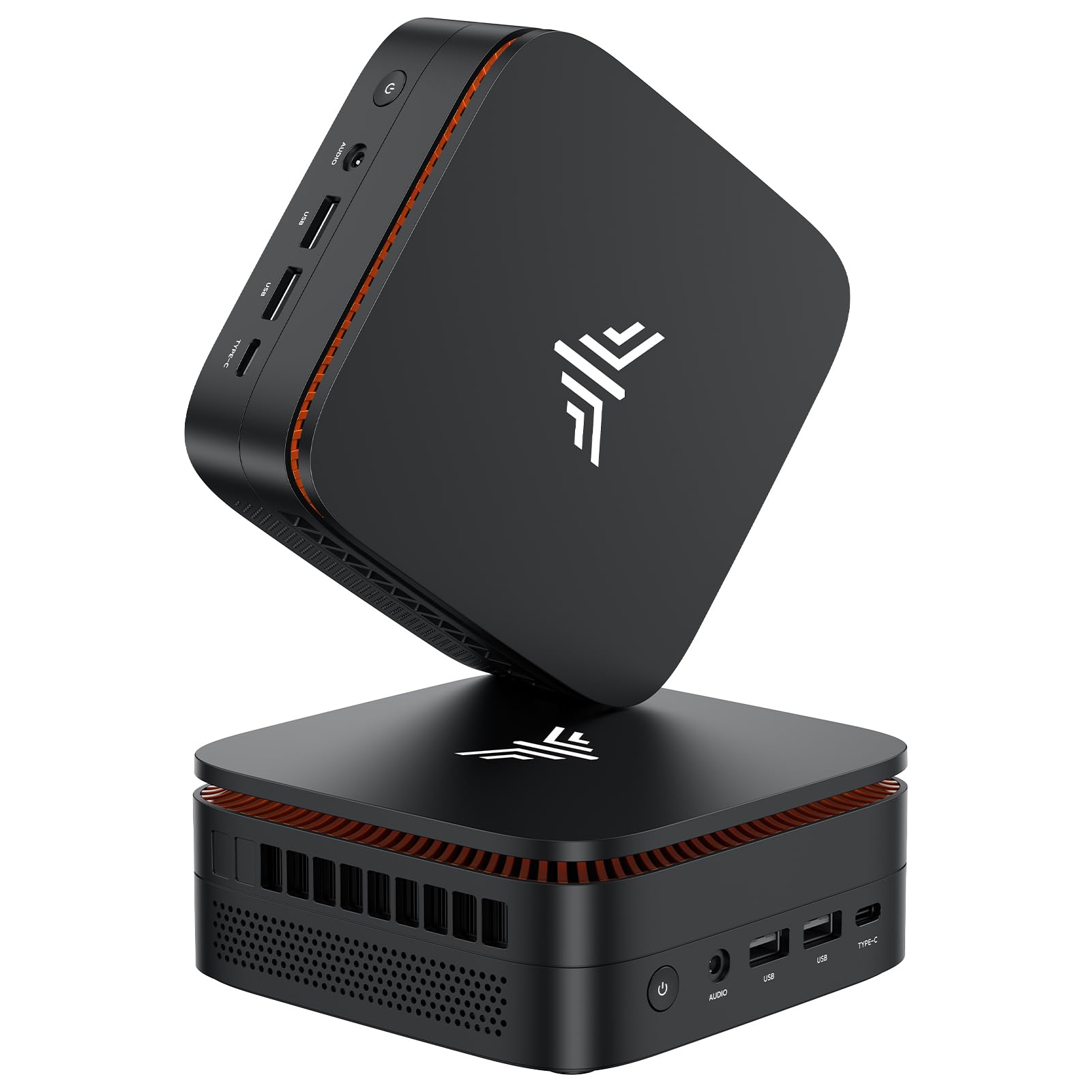
NiPoGi Pinova P1 Mini PC, AMD Ryzen 4300U(Βeats 3300U/N150/N97,Up to 3.7 GHz) Mini Computer, 16GBRAM 256GB SSD Mini PC Windows 11 Pro, Triple 4K Display/USB 3.2/Type-C/HDMI/WiFi/BT for Home Office
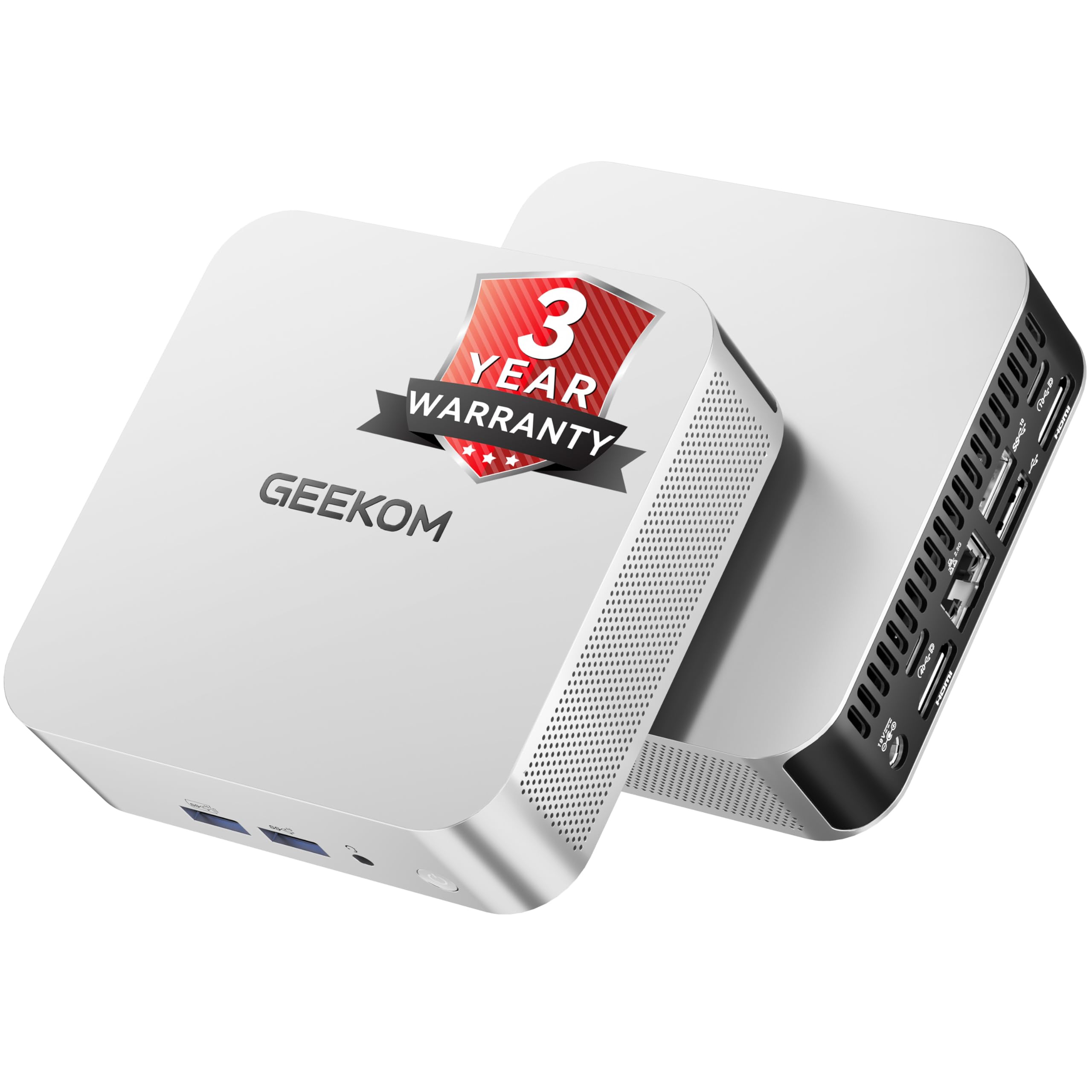
GEEKOM A6 Mini PC Windows 11 Pro, with AMD Ryzen 7 6800H (Beats 7640HS), 16GB High Speed DDR5 RAM (Up to 96GB) & 1TB SSD, Dual USB4.0 & Dual HDMI Quad Display for Video Editing/Gaming/Graphic Design
Our Recommendation
The GEEKOM A6 is the better buy for most people because it is vastly faster, has a much stronger integrated GPU, and comes with 1TB of storage instead of 256GB. Its Ryzen 7 6800H, DDR5 RAM, and dual USB4 ports make it far more capable for multitasking, creative work, and gaming. The NiPoGi only makes sense if your needs are very basic and the lower £309.99 price is the main deciding factor.
Detailed Comparison
Display
Neither mini PC has a built-in screen, so display quality depends on the monitors you connect. On paper, both support 4K output, but the GEEKOM A6 has the stronger display platform: dual USB4 plus dual HDMI means more flexible high-resolution setups, better support for modern docks, and a clearer path to multi-monitor productivity. The NiPoGi Pinova P1 advertises triple 4K display support, which is useful for a basic office desk with several screens, but its older USB 3.2/Type-C/HDMI mix is less future-proof. Winner: GEEKOM A6, because its USB4 ports are more capable for high-bandwidth displays and peripherals.
Performance
This is the biggest gap. The NiPoGi uses an AMD Ryzen 4300U, a 4-core/4-thread chip that is fine for web browsing, Office, email, media playback, and light multitasking. The GEEKOM A6 uses an AMD Ryzen 7 6800H, an 8-core/16-thread processor with a much stronger integrated Radeon 680M GPU and far higher sustained performance. In real use, that means the A6 is dramatically better for video editing, photo work, coding, virtual machines, and modern games. The A6 also ships with 16GB DDR5 RAM and a 1TB SSD, while the NiPoGi comes with 16GB RAM and a 256GB SSD, so the GEEKOM has both more speed and much more storage out of the box. Winner: GEEKOM A6 by a wide margin.
Build quality and design
Both are compact mini PCs, so they save desk space and are easy to tuck behind a monitor. The GEEKOM A6 is the more premium product overall, with a stronger spec sheet, more expansion headroom, and a configuration that suggests longer service life. The NiPoGi is clearly positioned as a value machine, and while that is not a bad thing, its lower-end CPU and smaller SSD make it feel more entry-level. For buyers who want a machine that feels less compromised and more ready for demanding use, the GEEKOM wins. Winner: GEEKOM A6.
Battery life
Neither product has a battery, so this category does not really apply in the same way it would for a laptop. If you mean power efficiency and heat, the NiPoGi’s Ryzen 4300U should draw less power and run cooler under light office loads. That can matter if the PC will be on all day in a quiet study or used as a low-power always-on box. However, the GEEKOM’s 6800H is the far more capable processor, and its performance advantage outweighs the efficiency benefit for most buyers. Winner: NiPoGi Pinova P1 for lower power use, but only in light-duty scenarios.
Price and value for money
At £309.99, the NiPoGi is £182.16 cheaper than the GEEKOM A6 at £492.15. That is a meaningful saving, especially if the PC is just for email, spreadsheets, streaming, and remote work. But value is not just about the sticker price; it is about what you get for the money. The GEEKOM includes a much faster Ryzen 7 6800H, DDR5 memory, a 1TB SSD, and dual USB4 ports, which makes the higher price easier to justify if you will actually use the extra performance. If your workload is light, the NiPoGi is the better bargain. If you want longevity and capability, the GEEKOM is better value despite the higher cost. Winner: tie, depending on workload.
Game library/features
Mini PCs are not gaming desktops, but integrated graphics matter. The NiPoGi’s Ryzen 4300U is suitable only for very light or older games, cloud gaming, emulation, and casual titles at low settings. The GEEKOM A6’s Ryzen 7 6800H with Radeon 680M graphics is in a completely different class: it can handle many esports games and a wider range of indie and older AAA titles at playable settings. It is also much better for game launchers, emulation, and GPU-accelerated creative software. If gaming or graphics work matters at all, the A6 wins decisively. Winner: GEEKOM A6.
Overall user experience
The NiPoGi Pinova P1 is the simpler, cheaper, low-risk choice for basic home office use. It will feel responsive for everyday tasks, but the 256GB SSD is cramped by modern standards and the Ryzen 4300U is already near the bottom of the performance ladder for 2025. The GEEKOM A6 feels like a serious small-form-factor PC: faster boot times, more storage, better multitasking, better external display support, and much more headroom for future software demands. For most buyers who want a mini PC that will not feel outdated quickly, the GEEKOM delivers the better overall experience. Overall summary: the NiPoGi wins on upfront affordability and lower power use, but the GEEKOM A6 is the clear all-round winner for performance, features, and long-term satisfaction.
Buy the NiPoGi Pinova P1 if...
Buy the NiPoGi Pinova P1 if you mainly need a compact Windows PC for email, web browsing, Office, streaming, and remote work, and you want to keep the budget as low as possible. It also makes sense if you value lower power draw and do not care about gaming, editing, or heavy multitasking. The 16GB RAM is fine, but the 256GB SSD is best for users who store most files in the cloud.
Buy the GEEKOM A6 Mini if...
Buy the GEEKOM A6 if you want a mini PC that can handle photo/video editing, light gaming, emulation, coding, or lots of browser tabs without slowing down. It is also the better choice if you want more storage, better external display support, and a machine that should stay relevant for longer. The higher price is justified if you expect to keep it for several years.
Curated by Home Server Hub on All The Top Picks
As an Amazon Associate we earn from qualifying purchases.