5 Alternatives to the Western Digital WD Red Plus 4TB HDD — and Which Ones Make More Sense
The WD40EFZX WD Red Plus 4TB is a popular NAS hard drive, but it is not always the best buy. Shoppers often look for alternatives when it is out of stock, when the price climbs too high, or when they want to compare performance, warranty, and capacity before buying for a NAS, Plex box, or home server.
Original Product

If you are choosing storage for a NAS or home server, the WD Red Plus 4TB is a sensible baseline: it is a CMR 3.5-inch SATA drive designed for always-on use, and it is typically the kind of drive people buy for a 2-bay or 4-bay Synology, QNAP, or DIY Unraid/TrueNAS build. At £218.98, though, it is not cheap, and there are several alternatives that may be better value depending on whether you need maximum capacity, lower upfront cost, or a different form factor entirely.
1) Seagate IronWolf 4TB (ST4000VNZ06) — £158.66
This is the closest direct alternative and, in many ways, the most obvious one to compare with the WD Red Plus 4TB. It is £60.32 cheaper, which is a meaningful saving if you are buying multiple drives for a mirrored pair or a RAIDZ1/vdev set. Both drives are 3.5-inch SATA NAS HDDs with CMR recording, so you are not giving up the main thing that matters for NAS reliability: consistent write behaviour under load.
The Seagate runs at 5,400 RPM and includes a 256MB cache, so in practical terms it should feel broadly similar to the WD Red Plus in everyday NAS use: file storage, media serving, backups, and light virtualisation. The lower price does not mean it is a budget-only drive; IronWolf is Seagate’s NAS line, so it is built for 24/7 operation, vibration tolerance, and multi-drive enclosures. The build quality is comparable to the WD, though some buyers prefer WD’s reputation for quieter operation while others prefer Seagate’s value and bundled data recovery services.
Verdict: choose the IronWolf 4TB if you want the closest like-for-like replacement and care more about price than brand loyalty. For a 2-bay NAS, this is probably the best direct swap because you can save enough to justify buying a second drive for redundancy.
2) Seagate IronWolf 2TB (ST2000VNZ03) — £128.00
At first glance, this looks expensive for only 2TB, especially when compared with the WD Red Plus 4TB. You are paying £90.98 less than the WD, but you are also cutting capacity in half. That makes it a poor value if you are simply trying to get the most storage per pound. However, it can still make sense in a few very specific situations.
The key specs are still NAS-friendly: CMR, 3.5-inch, SATA 6Gb/s, 5,900 RPM, and 256MB cache. The slightly higher spindle speed may give it a small responsiveness edge over slower NAS drives, especially for metadata-heavy workloads, but the real-world difference is usually modest unless you are stressing the array with lots of small random I/O. For a home lab, that means it is fine for a small backup target, a low-capacity NAS, or a scratch drive in a system where power draw and noise matter more than raw space.
Build quality is solid, but the value proposition is weaker than the 4TB options. If you are building a 4-bay NAS, 2TB drives fill up quickly once you account for parity or mirroring overhead. In a Plex server, 2TB disappears fast once you start storing 4K remuxes or a growing media library.
Verdict: only choose the 2TB IronWolf if you genuinely need a smaller-capacity NAS drive for a compact backup role, a test system, or a tight budget where total spend matters more than value per terabyte. For most buyers, it is too small to be compelling.
3) Seagate IronWolf 8TB (ST8000VNZ02) — £249.96
This is the most interesting upgrade option because it is only £31.98 more than the WD Red Plus 4TB, yet it doubles capacity. On a pure value basis, that is a far better deal than buying the 4TB WD drive. If your NAS has limited drive bays — say a 2-bay Synology or a small DIY tower with only two or four 3.5-inch bays — larger drives often make more sense than filling the chassis with smaller ones.
Like the other IronWolf drives, this 8TB model is CMR, 3.5-inch, SATA 6Gb/s, and uses a 256MB cache. The practical impact is simple: more space for backups, media, VM images, and snapshots without immediately needing another expansion shelf. In a RAID1 setup, two 8TB drives give you 8TB usable instead of 4TB usable from two 4TB drives. That matters a lot if you are planning for growth.
The trade-off is that larger capacity drives usually cost more upfront and can make rebuilds more painful if a disk fails, because there is more data to reconstruct. In a home lab, that is usually a fair trade if you are running a small number of bays and want to avoid running out of space too quickly. Build quality is in the same NAS-grade category as the WD Red Plus, and the data recovery service add-on is a nice bonus for some buyers.
Verdict: choose the 8TB IronWolf if you want the best long-term value and your NAS has the bays to support it. This is especially sensible for Plex libraries, Time Machine backups, or ZFS pools where growth is expected.
4) ORICO 1TB SATA SSD 2.5-inch Internal SSD — £119.99
This is not a direct replacement for a 3.5-inch NAS hard drive, but it is worth considering if your actual need is performance rather than bulk storage. At £119.99, it is cheaper than the WD Red Plus 4TB, but you are getting only 1TB and a completely different class of storage. It is a 2.5-inch SATA SSD with read speeds up to 500MB/s, so it will be much faster for booting, application data, Docker containers, databases, and VM storage.
The practical impact is huge in the right role: an SSD makes a NAS feel snappier, reduces latency, and improves random I/O dramatically compared with any spinning HDD. However, it is not a good substitute for bulk media storage or RAID arrays where you need large, economical capacity. If your NAS has limited drive bays, using SSDs for everything can become very expensive very quickly, and 1TB is not much for a media server.
Build quality is acceptable for a general-purpose SSD, but it is not marketed as a NAS-specific drive the way the WD Red Plus is. That means you should think of it as a performance layer, not a primary archive disk. A common home lab setup is SSDs for the OS, Docker, and VMs, plus HDDs for media and backups.
Verdict: choose the ORICO SSD only if you are building a fast cache, boot, or VM drive and do not need large capacity. It is a poor substitute for a 4TB NAS HDD, but a useful complement to one.
5) WD Red SN700 1TB NVMe M.2 2280 SSD — £322.00
This is the most expensive option here and the least directly comparable, but it is still relevant for buyers who are searching for a WD storage alternative and may actually want a faster NAS drive rather than a spinning disk. At £322, it costs £103.02 more than the WD Red Plus 4TB while offering only 1TB of capacity. That is a huge premium, so it only makes sense if performance is the priority.
The SN700 is an NVMe M.2 SSD, not a 3.5-inch SATA HDD, so the difference in build and use case is dramatic. In a NAS with M.2 slots or a compatible adapter, it can be used for cache, metadata, application storage, or high-speed workloads. The practical benefit is low latency and much higher throughput than SATA, which is useful for lots of small files, database-heavy tasks, or virtual machines. In a system with enough RAM and proper ZFS tuning, it can make a noticeable difference.
The downside is obvious: capacity per pound is far worse than any of the HDD options, and not every NAS supports M.2 NVMe in a useful way. Also, NVMe drives can run hotter, so cooling matters more. Build quality is strong, and the WD Red line is generally aimed at endurance-focused use, but this is a specialist product rather than a general storage buy.
Verdict: choose the SN700 only if your NAS or server has a genuine NVMe use case, such as cache, fast VM storage, or a metadata tier. Do not buy it as a simple replacement for a 4TB NAS hard drive.
Overall, the best alternative for most people is the Seagate IronWolf 4TB because it is the closest match on spec and significantly cheaper. If you can stretch your budget a little, the 8TB IronWolf is arguably the smartest buy because the extra £31.98 buys you double the capacity. The SSD options are only worth considering if you are changing the role of the drive entirely.
Alternatives
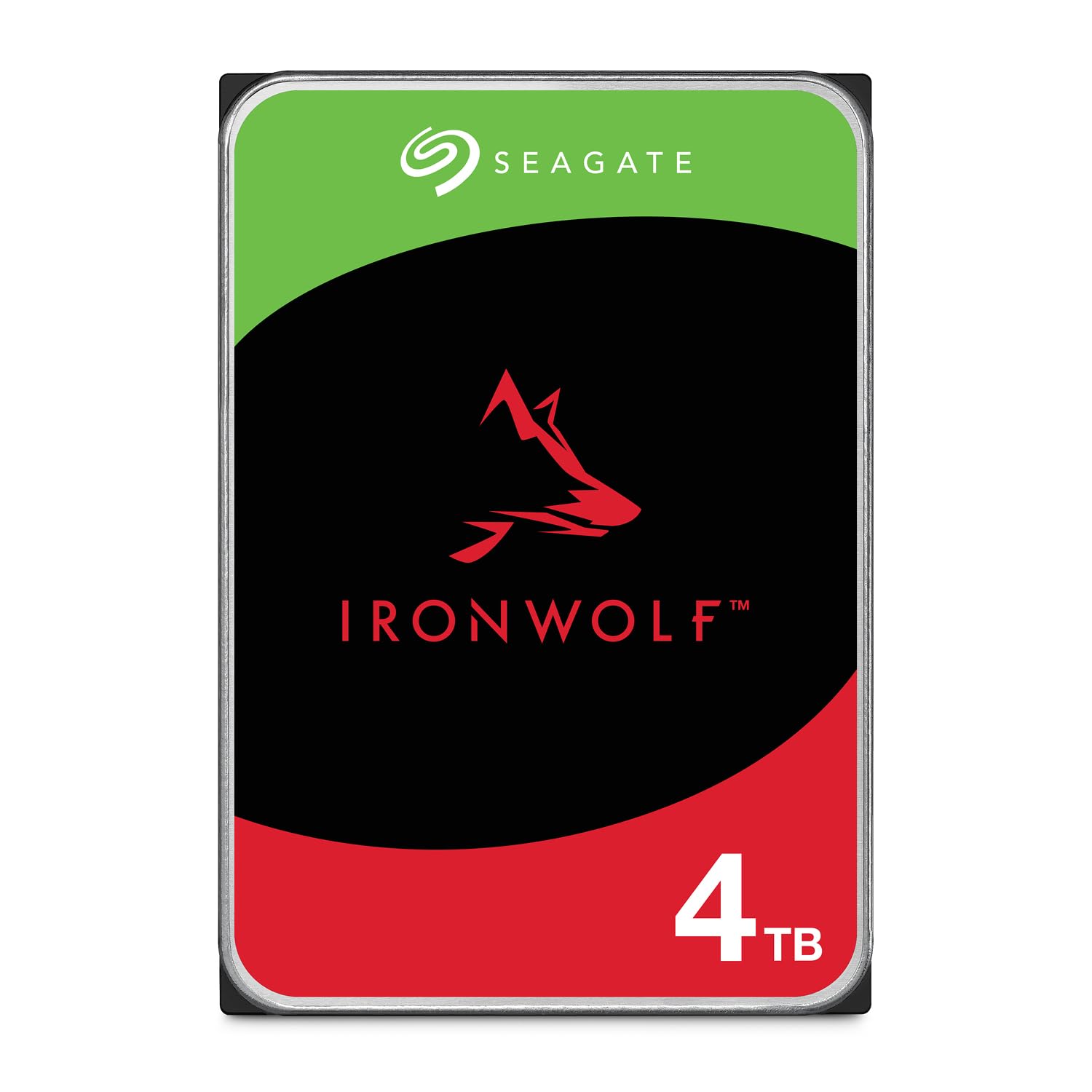
Seagate IronWolf 4TB, NAS, Internal Hard Drive, CMR, 3.5 Inch, SATA, 6GB/s, 5.400 RPM, 256MB Cache, for RAID Network Attached Storage, Data Rescue Services (ST4000VNZ06)
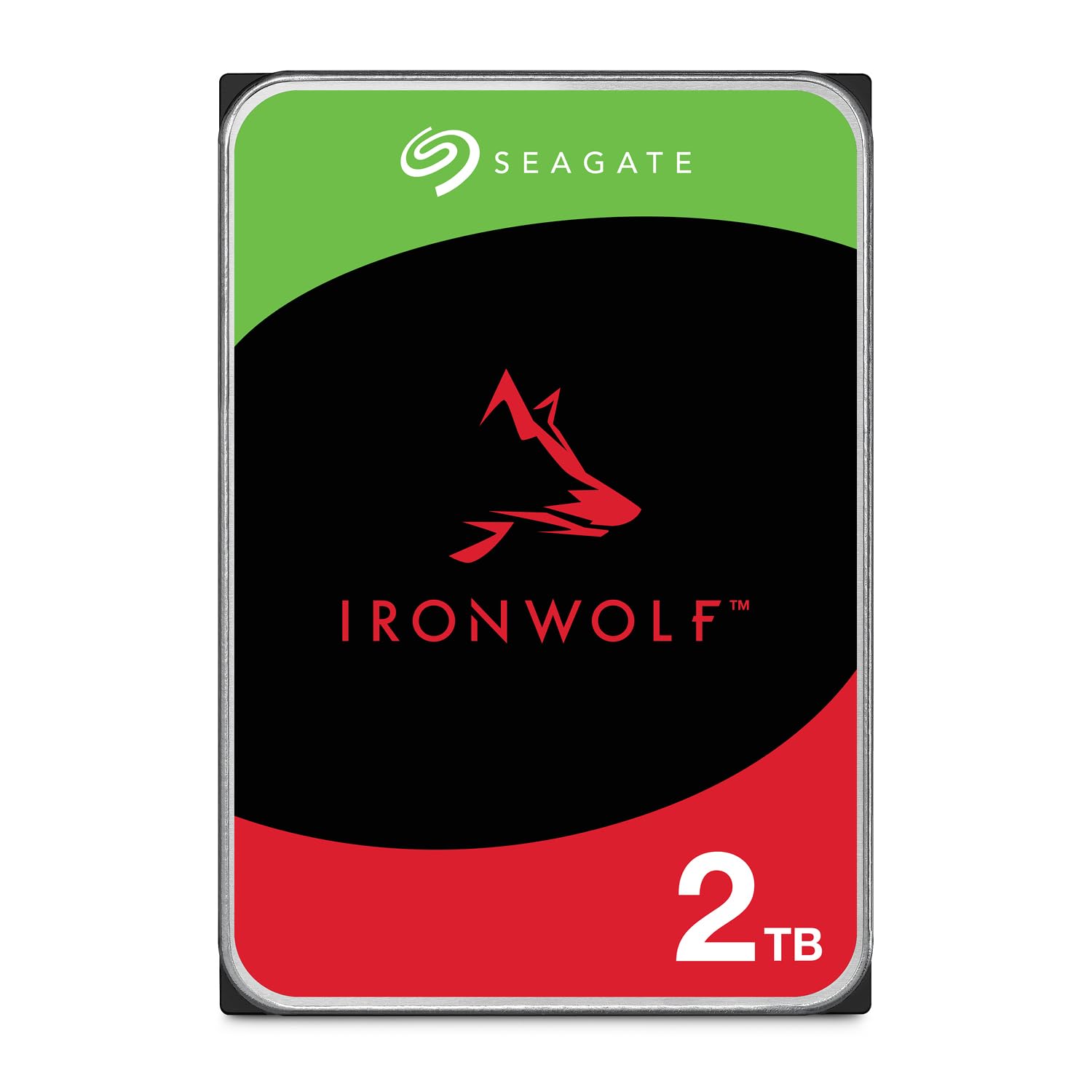
Seagate IronWolf 2TB, Enterprise Internal NAS HDD, CMR 3.5 Inch, SATA 6GB/s, 5900 RPM, 256MB Cache for RAID NAS, Data Rescue Services, Frustration Free Packaging (ST2000VNZ03)
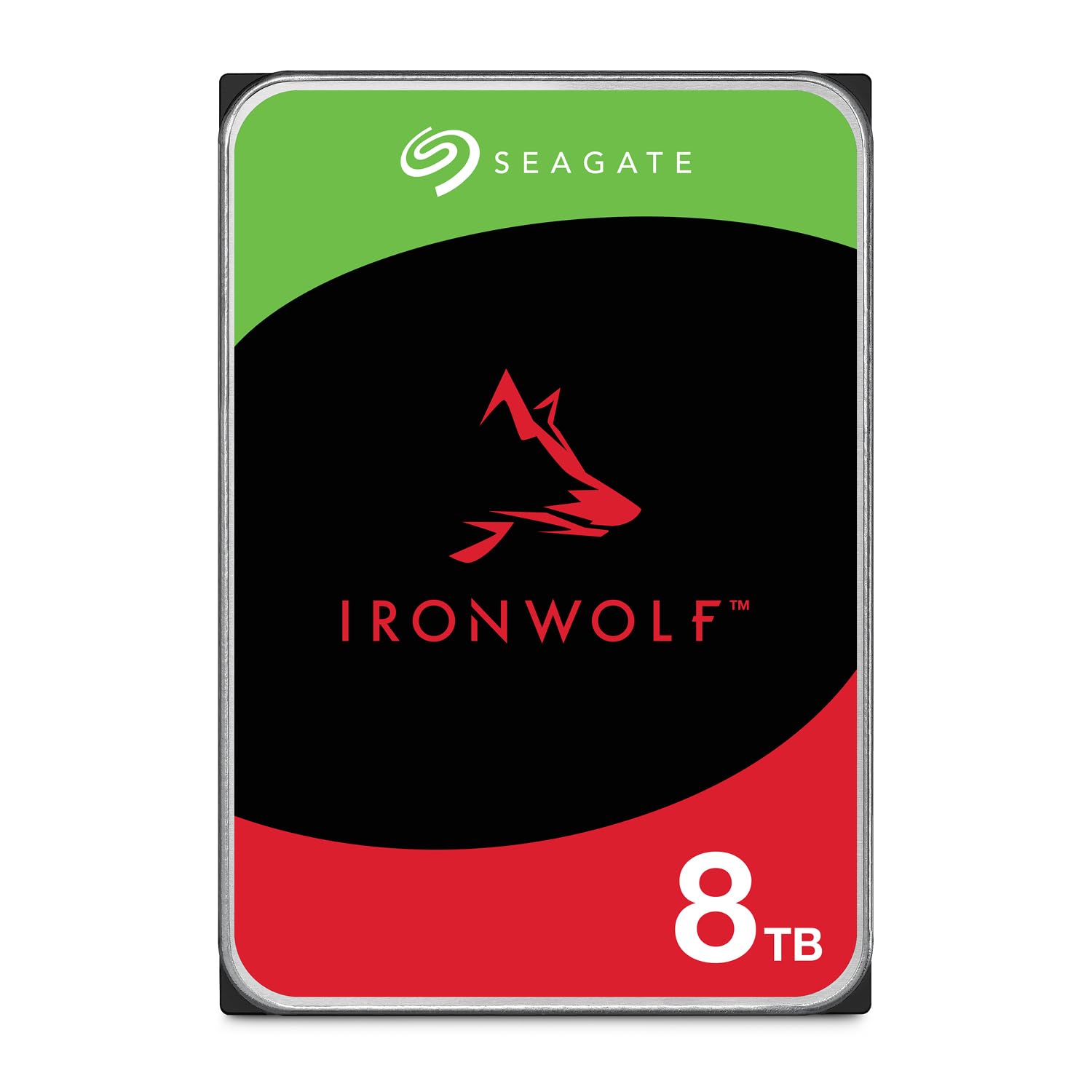
Seagate IronWolf 8TB, Internal NAS HDD, CMR, 3.5 Inch, SATA, 6GB/s, 5.400 RPM, 256MB Cache, Data Rescue Services, (ST8000VNZ02)

ORICO 1TB SATA SSD 2.5 Inch Internal Solid State Drive, Read Speed up to 500MB/s, SATA III 6Gbps for Desktop Laptop NAS DIY External Drive - Y20

Still Buy the Original If...
Buy the WD Red Plus 4TB if you specifically want a proven WD NAS drive, prefer the Red ecosystem, or need a like-for-like 4TB CMR HDD for an existing array. It is still a solid choice for a 2-bay or 4-bay NAS where consistency and compatibility matter more than chasing the lowest price.
Love picks like this?
Get weekly product recommendations straight to your inbox.
Curated by Home Server Hub on All The Top Picks
As an Amazon Associate we earn from qualifying purchases.